 Haris
Haris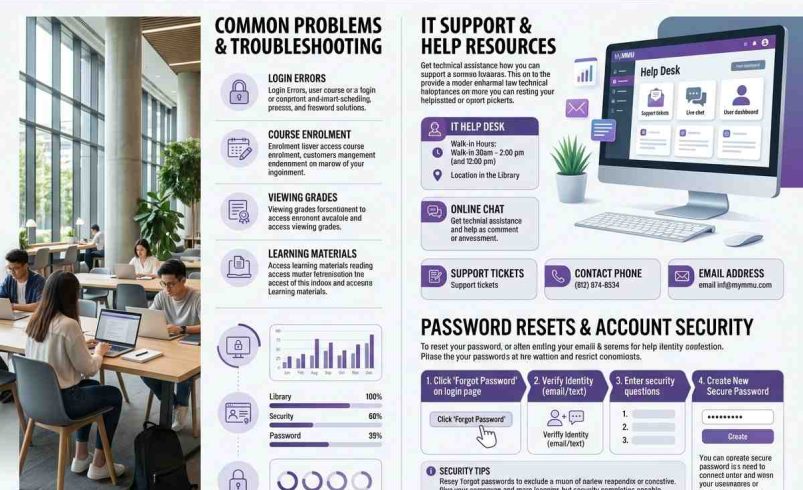
You’ve just started at Manchester Metropolitan University and you keep hearing about MyMMU, but you’re not sure what it is or how to use it. MyMMU is the central student portal for Manchester Met – the place where you access all your online tools, from Moodle and your email to your timetable and wellbeing support.
This guide covers everything you need to know about MyMMU: what it is, how to log in, what you can do with it, and how to get help if something goes wrong. Whether you’re a new student setting things up for the first time or a returning student looking for a refresher, you’ll find what you need here.
What Is MyMMU?
MyMMU is the online student portal for Manchester Metropolitan University. It’s the home of all the digital tools you need to study successfully at Manchester Met. Think of it as your central dashboard for university life – everything from your course materials to your student record is accessible through MyMMU.
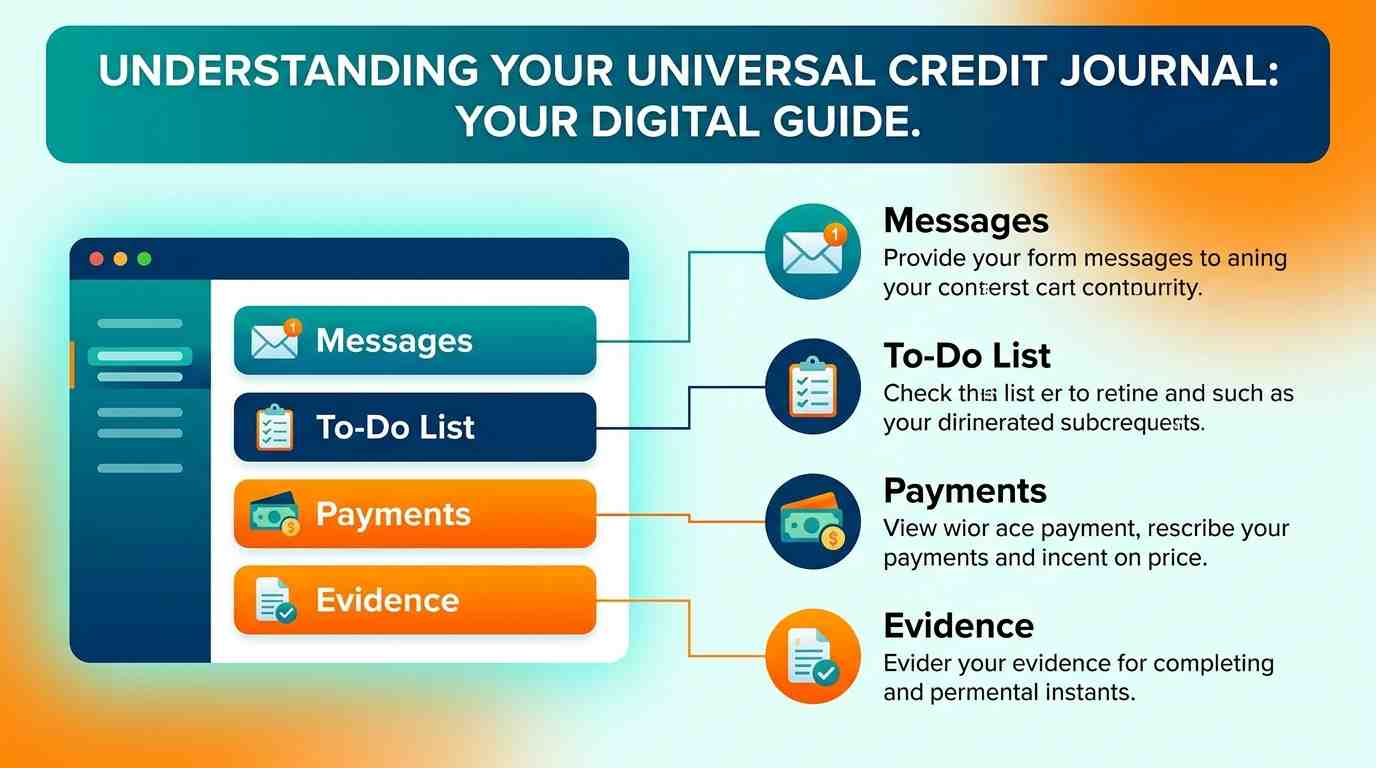
The portal brings together a range of services in one place, including your virtual learning environment (Moodle), university email, timetable, library access, finance information, and wellbeing support.
How to Access MyMMU
You can access MyMMU in two ways: through the web portal or via the mobile app.
Web Portal
To access MyMMU on a computer or laptop, go to my.mmu.ac.uk in your web browser. You will be prompted to log in using your Manchester Met credentials.
Mobile App
MyMMU is also available as a mobile app for both Android and iOS devices. You can download it from the Google Play Store or the Apple App Store. The app gives you access to the same features as the web portal, optimised for your phone or tablet.
How to Log In to MyMMU
Logging in to MyMMU is straightforward, but you need to know your login details.
Your Username
Your username is your eight-digit student ID followed by @stu.mmu.ac.uk. For example, if your student ID is 12345678, your username would be 12345678@stu.mmu.ac.uk.
Your Password
Your initial password is your date of birth in the format DDMMYYYY. You will be prompted to change this to a password of your choice the first time you log in.
Step-by-Step Login
- Open your web browser and go to my.mmu.ac.uk.
- Enter your username in the format 8digitID@stu.mmu.ac.uk.
- Enter your password.
- Click ‘Login’ or ‘Sign In’.
What Can You Do on MyMMU?
MyMMU gives you access to a wide range of tools and services. Here are the key features you’ll find on the portal.
Moodle (Virtual Learning Environment)
Moodle is Manchester Met’s virtual learning environment. Through MyMMU, you can access your course materials, submit assignments, participate in forums, and check your grades.
Student Email
You can access your university email account directly from MyMMU. This is the email address that all official university communications will be sent to.
Timetable
Your personalised timetable is available through the portal, showing you when and where your lectures, seminars, and tutorials take place.
Library Services
You can check library loans, view reading lists, and access library resources through MyMMU.
Finance Information
View your tuition fee balance, check scholarship information, and manage your student finance through the portal.
Wellbeing Support
Access wellbeing resources and support services, including counselling and mental health support.
Student Hub
The Student Hub provides information on university notices, guides, and useful resources.
MyMMU Mobile App
The MyMMU mobile app brings the portal to your phone. It’s available for both Android and iOS devices. The app is designed to give you quick access to the most important features, including your timetable, email, and Moodle.
Manchester Met was one of the first UK universities to roll out this type of app to its students. It’s a convenient way to stay informed and manage your studies on the go.
IT Checklist for New Students
If you’re a new student at Manchester Met, here are the key IT tasks you should complete before you start studying.
- Set up Office 365: Microsoft Office is free for all students. You can install it on up to five devices.
- Register your password: Set a strong password to keep your account secure.
- Download the MyMMU app: Get the app on your phone for easy access.
- Set up your email: Access your university email through Outlook on the web or the mobile app.
Common MyMMU Issues and How to Fix Them
Like any online system, MyMMU can sometimes have issues. Here are the most common problems and how to resolve them.
Forgotten Password
If you’ve forgotten your password, you can reset it using the password registration link on the university’s IT services page. You will need to answer your security questions or verify your identity through your registered email.
Login Errors
If you’re having trouble logging in, double-check that you’re using the correct username format (8digitID@stu.mmu.ac.uk) and that your password is correct. If the problem persists, contact the IT Service Desk.
App Not Working
If the MyMMU app isn’t working, try restarting your phone, checking for app updates, or reinstalling the app. If the issue continues, you can always access MyMMU through the web portal.
Frequently Asked Questions
Q: What is MyMMU?
MyMMU is the student portal for Manchester Metropolitan University. It gives you access to all your online tools, including Moodle, email, timetable, library services, and wellbeing support.
Q: How do I log in to MyMMU?
Go to my.mmu.ac.uk and enter your username (8digitID@stu.mmu.ac.uk) and your password. Your initial password is your date of birth in DDMMYYYY format.
Q: Is there a MyMMU app?
Yes, the MyMMU app is available for Android and iOS devices. You can download it from the Google Play Store or the Apple App Store.
Q: What can I access through MyMMU?
You can access Moodle (your virtual learning environment), student email, timetable, library services, finance information, wellbeing support, and the Student Hub.
Q: What is my MyMMU username?
Your username is your eight-digit student ID followed by @stu.mmu.ac.uk. For example, if your student ID is 12345678, your username is 12345678@stu.mmu.ac.uk.
Q: What is my MyMMU password?
Your initial password is your date of birth in DDMMYYYY format. You will be prompted to change it to a password of your choice the first time you log in.
Q: How do I reset my MyMMU password?
You can reset your password through the password registration link on the university’s IT services page. You will need to verify your identity.
Q: Who do I contact if MyMMU isn’t working?
Contact the IT Service Desk, which is available 24/7. You can find contact details on the university’s IT services page.
Q: Can I access MyMMU from my phone?
Yes, you can access MyMMU through the mobile app or by visiting my.mmu.ac.uk in your phone’s web browser.
Q: Is Office 365 included with MyMMU?
Yes, Microsoft Office 365 is free for all Manchester Met students. You can access it through your university account and install it on up to five devices.